Changelog

Follow new updates and improvements to Coupler.io.

Azure SQL & SQL Server destinations, new Amazon Ads source & AI agent sidebar
New

Amazon Ads: new source built on unified reporting
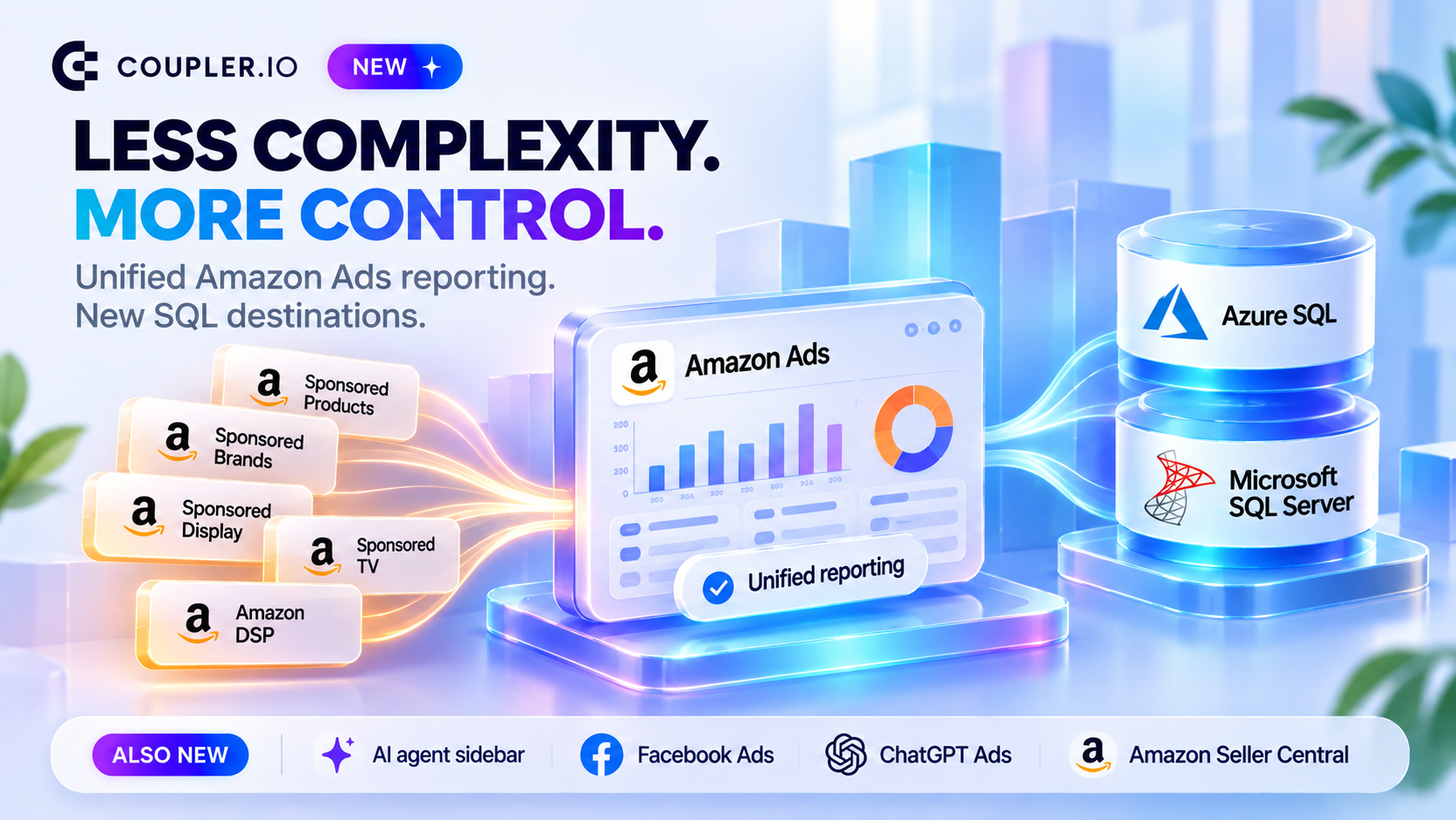
One report now covers all your Amazon ad products: Sponsored Products, Sponsored Brands, Sponsored Display, Sponsored TV and Amazon DSP. An Ad product column tells them apart. You can select several advertiser accounts in one data flow, and a global account covers all its marketplaces. Set any date range within Amazon’s data retention, and Coupler.io splits it into reports for you. You can also convert monetary metrics into one currency.

Available reports:

  • Campaign performance: compare spend and return across campaigns and ad products.

  • Ad group performance: find the strongest and weakest ad groups in each campaign.

  • Ad performance: compare individual ads.

  • Advertised product: see product-level (ASIN/SKU) spend, sales, and halo and new-to-brand results.

  • Search term: find converting search terms and wasted spend.

  • Custom report: choose your own breakdown, such as targeting, placements, audiences, devices, geography or benchmarks.

Old Amazon Ads source is now marked as (legacy) and keep running until June 30, 2027. See migration guide.

Azure SQL and Microsoft SQL Server destinations
Send your data to Azure SQL or Microsoft SQL Server. Connect with an SQL login, or with a Microsoft Entra ID service principal if your organization disables SQL logins.

AI agent in the right sidebar
The AI agent is now available on every app page. It answers based on the page and wizard step you’re on. Your thread stays open as you move between wizard steps or close the sidebar. You can resize the sidebar or open the conversation full screen. “Set up with AI” on a new data flow opens the sidebar agent.

Facebook Ads: List of ad accounts report
Get name, status, balance, currency, business details, time zone and tax ID for your ad accounts.

ChatGPT Ads: Campaign performance by conversion event report
Break down campaign results by event name and kind, with attributed events, click- and view-through conversions, event value and currency.

Amazon Seller Central: Flat File V2 Settlement Report
Amazon removes the old Flat File Settlement Report on November 11, 2026. Switch to the V2 report to keep your settlement data flowing.

Improved

Skills Library redesign
Skills are now split into Installed, Not Installed and Core sections. Only core skills are installed by default, and you install or uninstall the rest. The library also has pinned navigation and filters, a Top skills section, and cards with quick install and launch actions. New Black Friday skills are featured in Top skills.

Billing: customer portal and cancellation flow
Payment method, invoices, billing history and billing details now open in the Stripe customer portal. Canceling a subscription starts with a short survey.

Salesforce: tabular reports return all rows
Tabular reports are no longer capped at 2,000 rows.

QuickBooks: “Include record IDs” option
Adds IDs of linked records to reports, for example the TxnType ID in Transaction List with Splits.

MySQL: secure connections
Coupler.io connects over TLS when the server supports it. Servers with require_secure_transport=ON can now connect.

LinkedIn Company Pages: incremental fetching
Data now refreshes incrementally.
NewImproved

Pause sources and destinations, installable AI skills, TikTok Ads Smart+ report

New

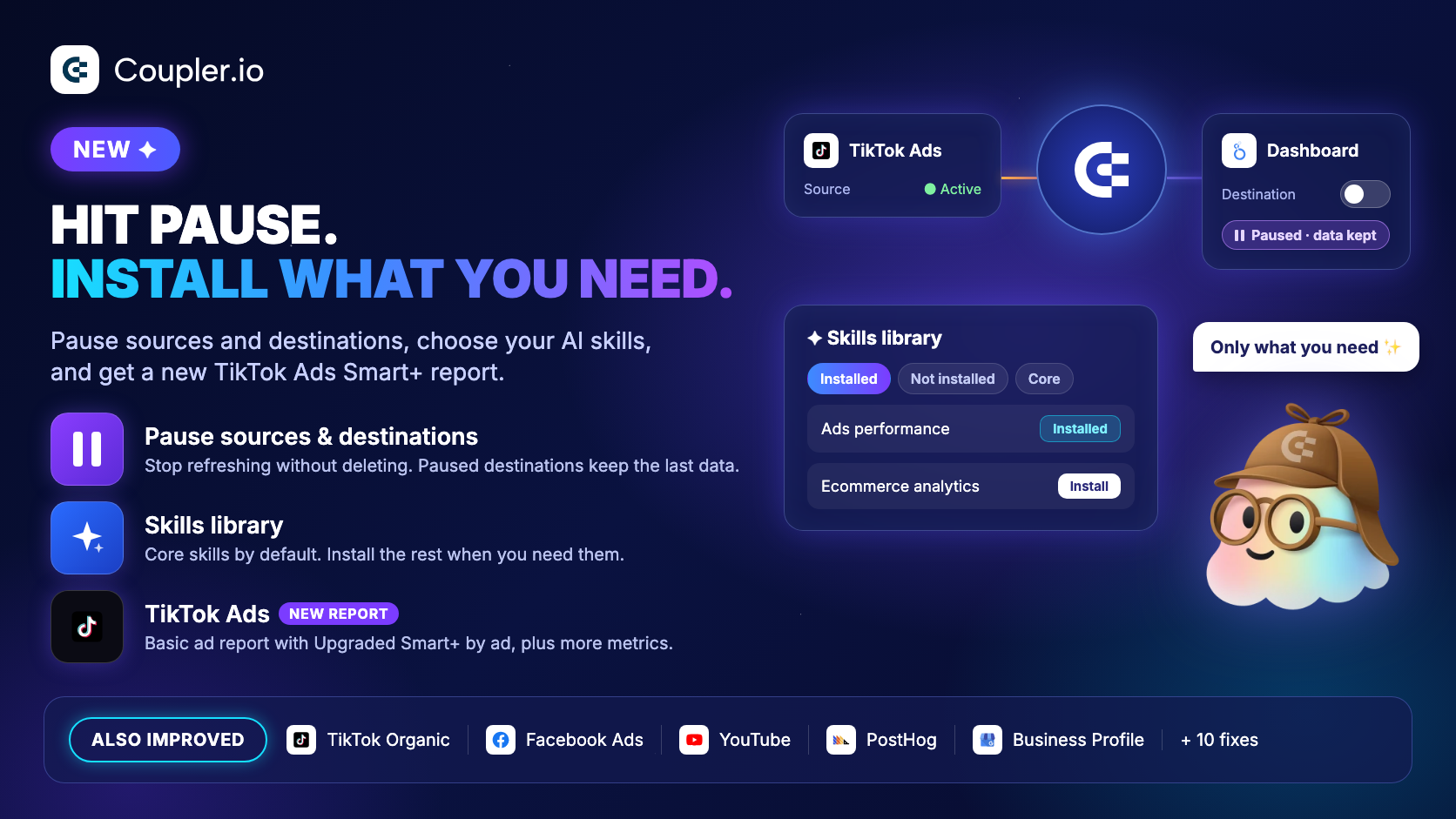
  • Pause sources and destinations — Pause a source or destination without deleting it. A paused destination keeps serving the last data Coupler.io stored. See how it works (https://docs.coupler.io/functionality/coupler.io-storage/pausing-sources-and-destinations-in-coupler.io).

  • Skills library: install the skills you need — The library is split into Installed, Not installed and Core. Only core skills are installed by default, so the AI agent picks from a shorter list. Install others when you need them. Editing a core skill shows a warning first.

  • TikTok Ads: Basic ad report (Upgraded Smart+ by ad) — Covers Manual Ads, Smart+ Campaigns and Upgraded Smart+ Ads at the ad level. The existing report is renamed Basic ad report (Upgraded Smart+ by creative). In that report, the Ad ID of Upgraded Smart+ Ads holds the creative ID.

  • YouTube: Engaged views — Available in the custom report and every predefined report.

Improved

  • TikTok Ads: more metrics and fields — Advertiser, campaign, ad group and ad reports add campaign automation type, optimization event, Minis name and the remaining metrics from TikTok's docs. Ads and Campaigns also return the fields TikTok recently added to its API.

  • TikTok Organic: more video metrics — Video insights adds favorites, audience retention, profile views, and website, phone, email, address and app download clicks.

  • Facebook Ads: more conversion columns — Adds of payment info, adds to cart, app site and app store visits, 20-second call conversions, engaged page views and other native actions. Instagram profile follows and profile visits are available as regular fields.

  • PostHog: person fields and project ID — Events include person distinct IDs and identified status. Every entity has a project ID, so you can filter to the project you need.

  • Google Business Profile: incremental fetching — Accounts with many locations no longer time out.

  • Looker Studio — The Coupler.io connector is now linked to more of the sources it supports in Looker Studio.

  • Data flow name opens settings — Clicking a data flow's name opens its settings. The AI button next to it opens the agent.

Fixed

  • PostHog — The events import pulls every event of the day. It was keeping only the last ~1,000.

  • Pipedrive — Accounts with a non-English interface import deals, persons, organizations, leads and products in full. Before, only one row came through and incremental runs never moved forward.

  • Apple Search Ads — Daily split over ranges longer than 90 days no longer double-counts the boundary days.

  • Facebook Page Insights — Posts published today appear in My pages post statistics, and the "Created before" date is inclusive.

  • Instagram Insights — Post performance totals include posts published before the account became a business account. Instagram has no insights for those posts, so they come with likes and comments only.

  • Reddit Ads — Data flows created before the Reddit Ads update keep their full history on incremental runs.

  • Cin7 — Sales imports resume correctly when several sales share the same Updated time.

  • Long-running data flows — Large Shopify bulk exports no longer fail as stuck. A restarted source no longer ends the run with a system error. Transformations on large data sets no longer run out of memory.

  • Error links — "Learn more" links in source errors are clickable.

  • Auto-join by domain — Shows the right hint when the organization uses a public email domain such as gmail.com.

Reddit Ads reports, LinkedIn Ads member breakdowns & AI agent upgrade

New

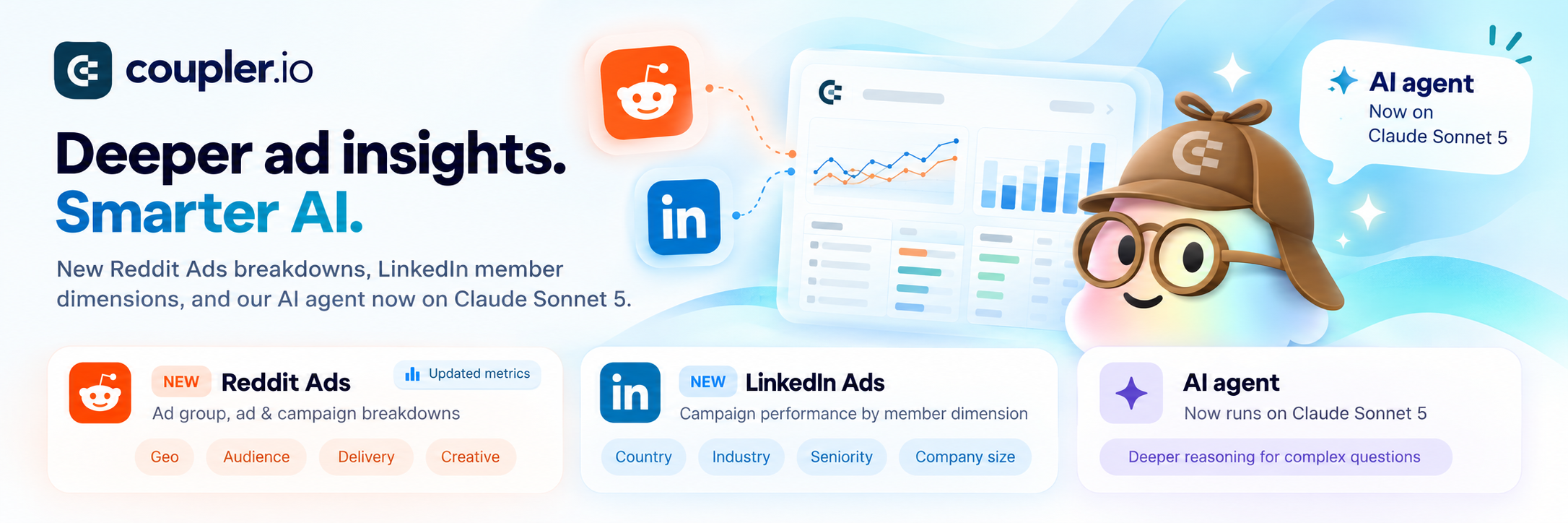
Reddit Ads: Ad group performance and Ad performance reports
Both reports support an optional breakdown by geo (country, region, DMA), audience (gender, language, interest), delivery (placement, community, operating system, keyword) or creative (carousel card).

Reddit Ads: breakdowns for Campaign performance and updated metrics
The Campaign performance report now supports optional breakdowns by geo, audience, delivery and creative. Deprecated app install metrics are replaced with valid ones. Accept the schema changes in your data flow to use them.

LinkedIn Ads: Campaign performance by member dimension
Get campaign performance by day or month, broken down by country, industry, seniority, company size and other member dimensions.

Improved

LinkedIn Ads: updated to latest API version
Includes the new Member DMA dimension and new analytics metrics.

LinkedIn Company Pages: updated to latest API version

Instagram Insights: split by period for performance by media type
Choose Daily, Monthly or Totals only. Existing data flows are set to Totals only, so your data stays the same.

Google Sheets add-on: support for multiple destinations
The add-on shows the destination sheet name under your data flow name. Click "Toggle details" to see all destinations.

AI agent: now runs on Claude Sonnet 5
Deeper reasoning for more complex questions.

MCP: broader client compatibility
MCP tool schemas now use JSON Schema 2020-12, so clients that reject older schemas can connect.

Home page: AI and manual tabs
Everyone now sees separate tabs for the AI and manual setup paths. Your selected tab is remembered. Template cards also keep source logos on one line, with extra sources collapsed into a +N counter.

Fixed

LinkedIn Ads: advanced filters in reports
Bracketed filters now work correctly.

LinkedIn Company Pages: follower demographics for pages without data
A page with no follower data returns 0 rows, and your other pages import as usual.

Shopify: stale orders with status filters
Orders filtered by status, financial status or fulfillment status now refresh fully, so orders that no longer match drop out.

Shopify: customers import with special characters
Records containing null characters no longer cause failed or partial imports.

CIN7: product movements and large sales imports
Product movements are now a separate entity, which fixes failures on large accounts. Sales imports save progress more often and resume where they stopped, so large accounts no longer time out with incomplete data.

QuickBooks Online: large Profit and Loss reports
Large reports no longer fail with "Unable to fetch more data".

Facebook Ads: imports failing on global rate limits
Imports now retry on Facebook's global rate limit errors and show a clear message if the limit persists.

TikTok Organic: Video Insights sync stability
Syncs now retry on TikTok timeouts.

Google Sheets add-on: help icon no longer overlaps the add-on area

NewImprovedFixed

Earlier updates