Coupler.io API, Fix with AI, PDF export for AI answers & HubSpot Campaigns
New
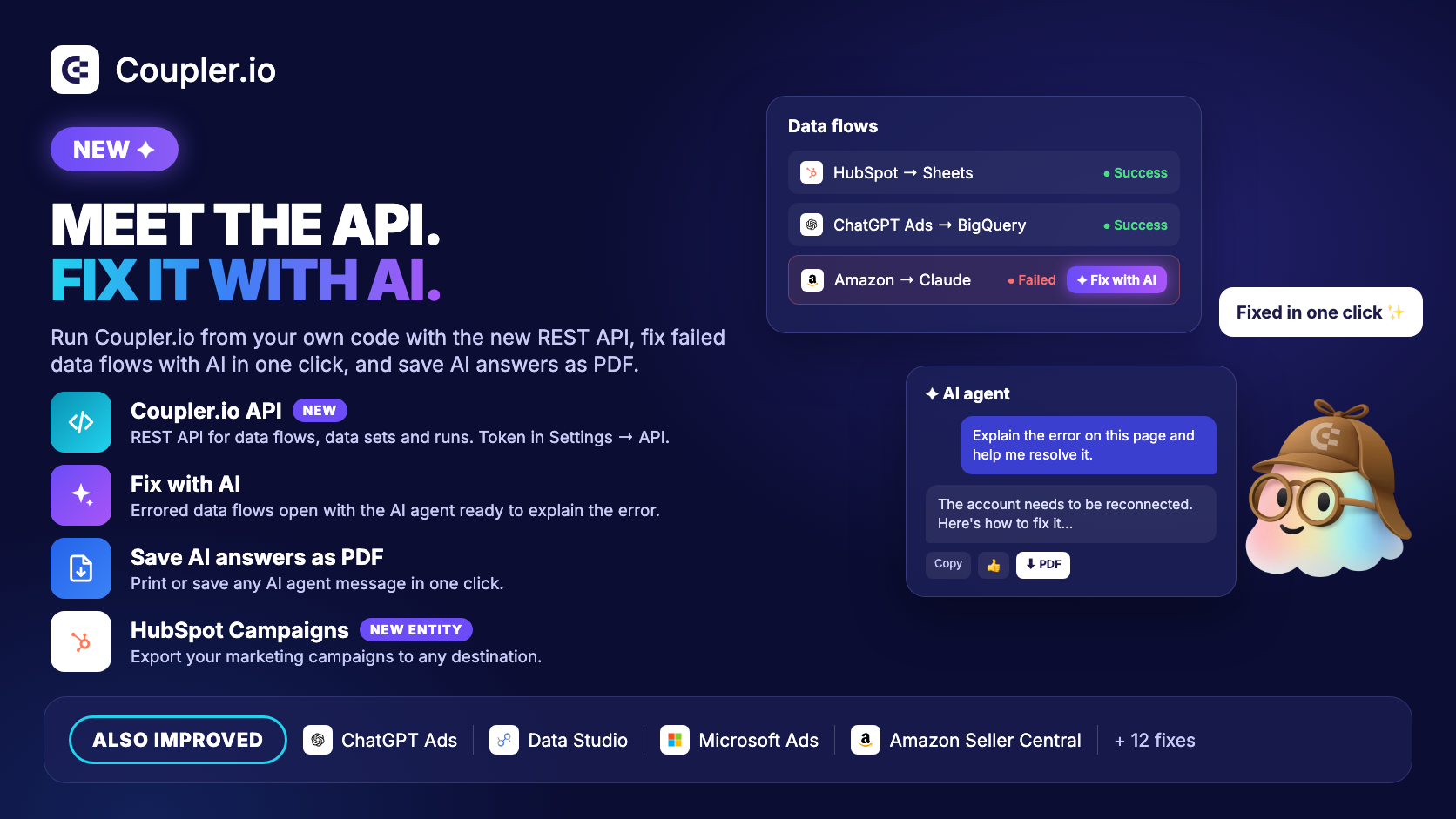
Coupler.io API — Manage Coupler.io from your own code and tools. The REST API covers workspaces, data flows, data sets, integrations, credentials, templates and runs. Get your personal token on the new API page under Settings and start with the docs (https://docs.coupler.io/api). Available on the Active, Pro and Agency & Enterprise plans, with up to 100 requests per minute. Other plans see an upgrade option on the API page.
Fix with AI — Data flows that failed show a "Fix with AI" button in the data flows list. It opens the data flow with the AI agent in the sidebar, ready to explain the error and help you resolve it.
Save AI answers as PDF — Print or save any AI agent message as a PDF, next to the copy and feedback buttons.
HubSpot: Campaigns — New data entity in the Miscellaneous group to export your marketing campaigns. It needs the
marketing.campaigns.readpermission, so you may need to reconnect your HubSpot account.ChatGPT Ads: ad group and ad performance by conversion event — Two new reports in the Breakdowns group, following the campaign-level report from the last release.
Improved
AI agent sidebar for everyone — The sidebar agent is on for all accounts. Your chat carries over between the AI agent page and the sidebar, and "Set up with AI" opens the sidebar right away.
Data Studio dashboard templates — Coupler.io builds your data set before connecting to Data Studio and shows the run's progress, so you no longer hit the Data Studio timeout on large first runs. The button is now "Create report in Data Studio".
ChatGPT Ads: grouped report list — Reports are grouped into Performance, Conversions and Breakdowns, and conversion event reports come with default columns.
ActiveCampaign: custom fields — Deals and Contacts include your custom fields.
Microsoft Ads — Moved to Microsoft's REST API ahead of the SOAP API retirement. Nothing changes in your data flows.
Meta sources — Facebook and Instagram sources use Graph API v26.0.
Jotform — The API endpoint field shows the Standard, EU, HIPAA and Enterprise URLs, with a new how-to-connect guide.
X (Twitter) Public Data — The connection form explains that you need the App-Only Bearer Token from the X Developer Console.
Power BI — Setup instructions are in the right order: generate and copy the Integration URL first.
Fixed
Amazon Seller Central — Orders imports finish for accounts with many orders. They used to restart from scratch and time out after hours.
LinkedIn Company Pages — "Individual posts lifetime performance" finishes for pages with many posts.
Reddit Ads — Campaign, ad group and ad performance no longer split rows by country by default.
Instagram Public Data — Profiles no longer fail with "(#10) Application does not have permission" when you manage several Pages.
Facebook Page Insights — Posts Meta won't return paid vs. organic views for are skipped instead of failing the import.
YouTube — Video statistics imports no longer fail when a report includes deleted or private videos.
RD Station — Analytics conversions import timestamps with time zone offsets.
Incremental sources — If saving data fails, the retry picks up the missing rows instead of skipping them. Imports with null characters in text fields (e.g. Zendesk Support) no longer fail.
Reconnect warnings — When a run fails because the account needs reconnecting, the source shows the reconnect warning.
Long transformations — Data flows with long-running transformations are no longer marked as failed while the transformation is still running.
Guests — AI agent buttons are hidden for guests, who don't have access to the agent.
Booking pop-ups — The demo and discovery call pop-ups display correctly again.